For Shopify, WooCommerce and BigCommerce brands shipping up to 20,000 orders a month
The warehouse system for brands that ship their own orders.
Connect your Shopify, WooCommerce or BigCommerce store, pick with barcode scans on any phone, print labels through your shipping platform, and send each store the stock it can sell.
14 days free, no card needed. We set up your account within one business day. Plans from $59 a month including GST.


Picking
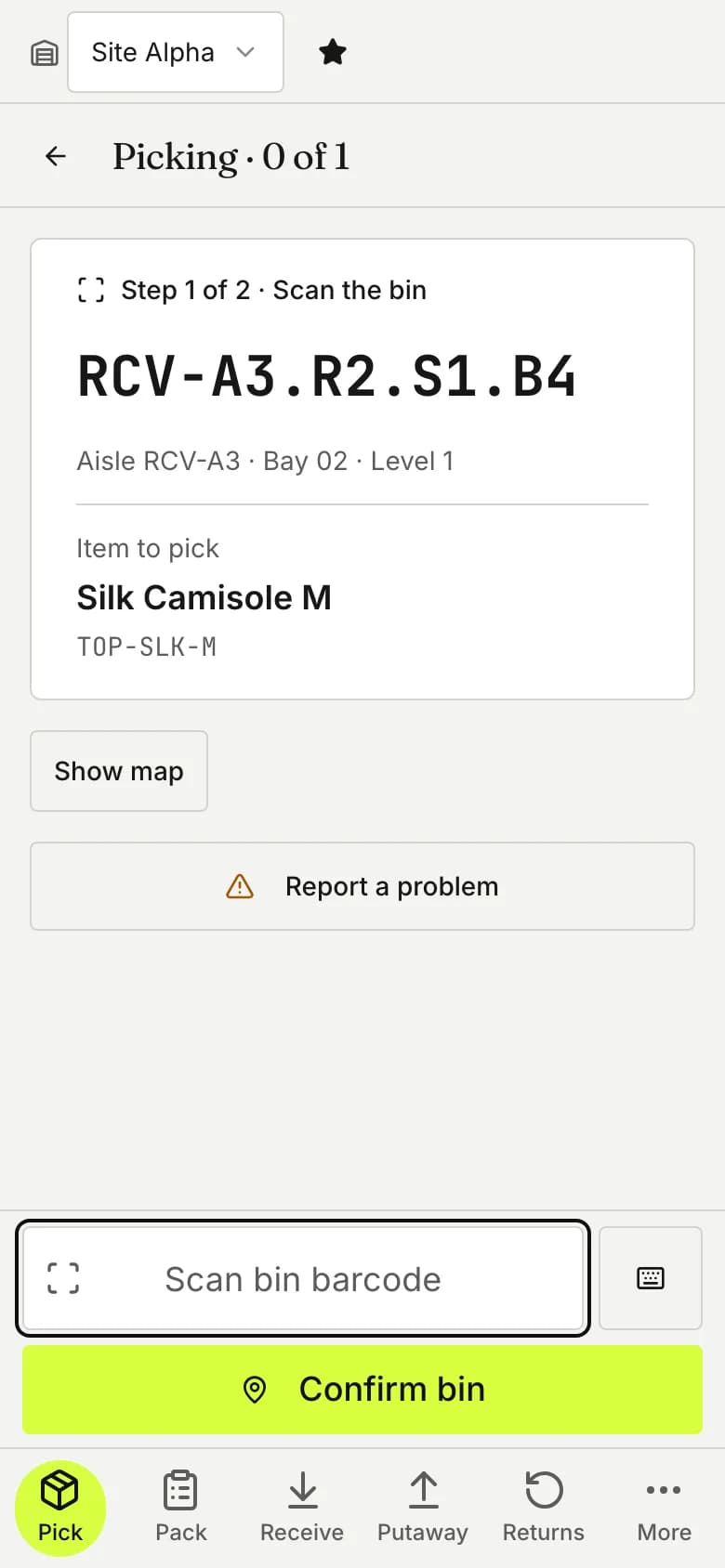
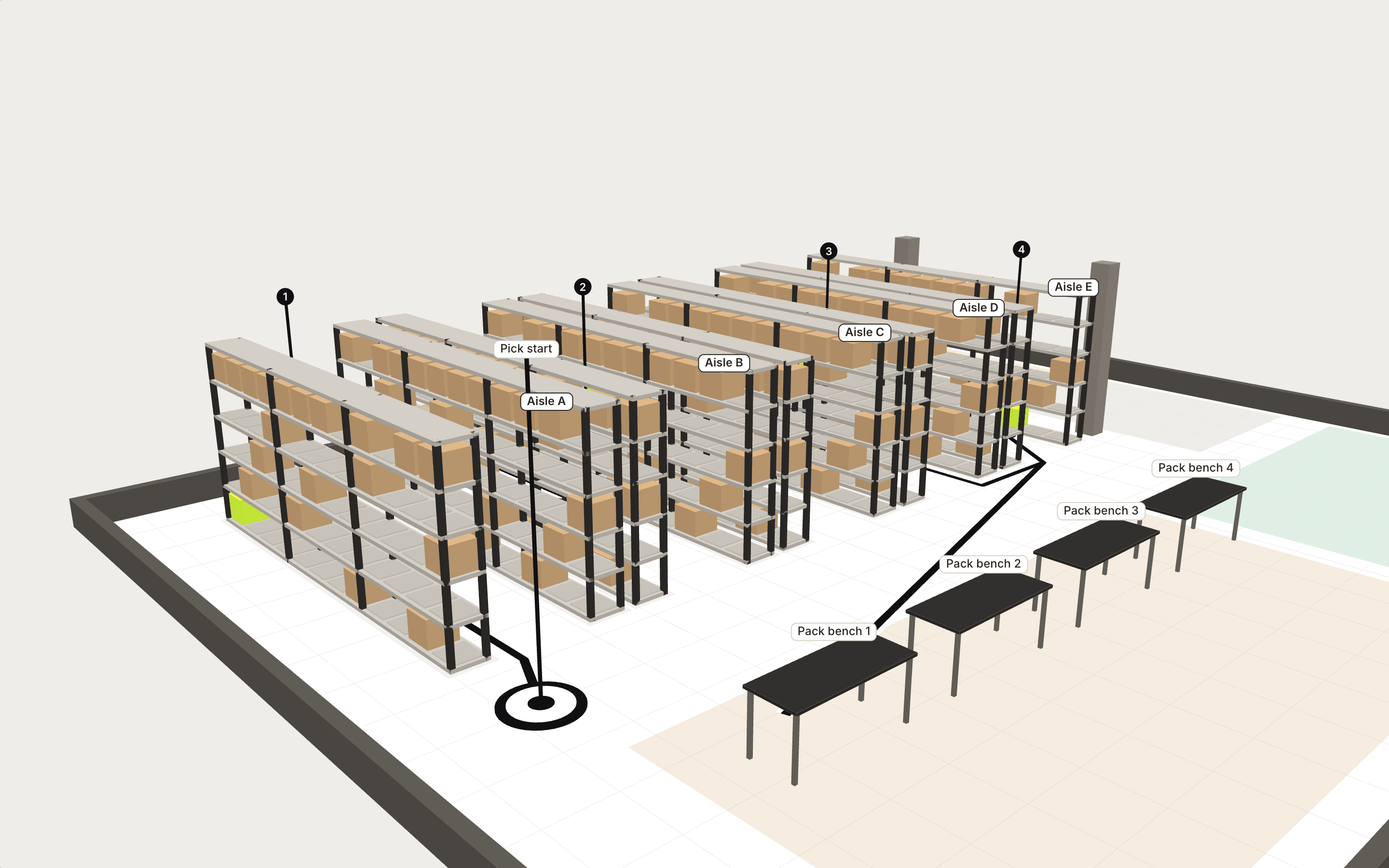
Map your warehouse once, and pick routes follow real walking distance.
The phone names the bin and the unit, short-dated stock goes out first, and each warehouse decides whether a scan is required.
Packing
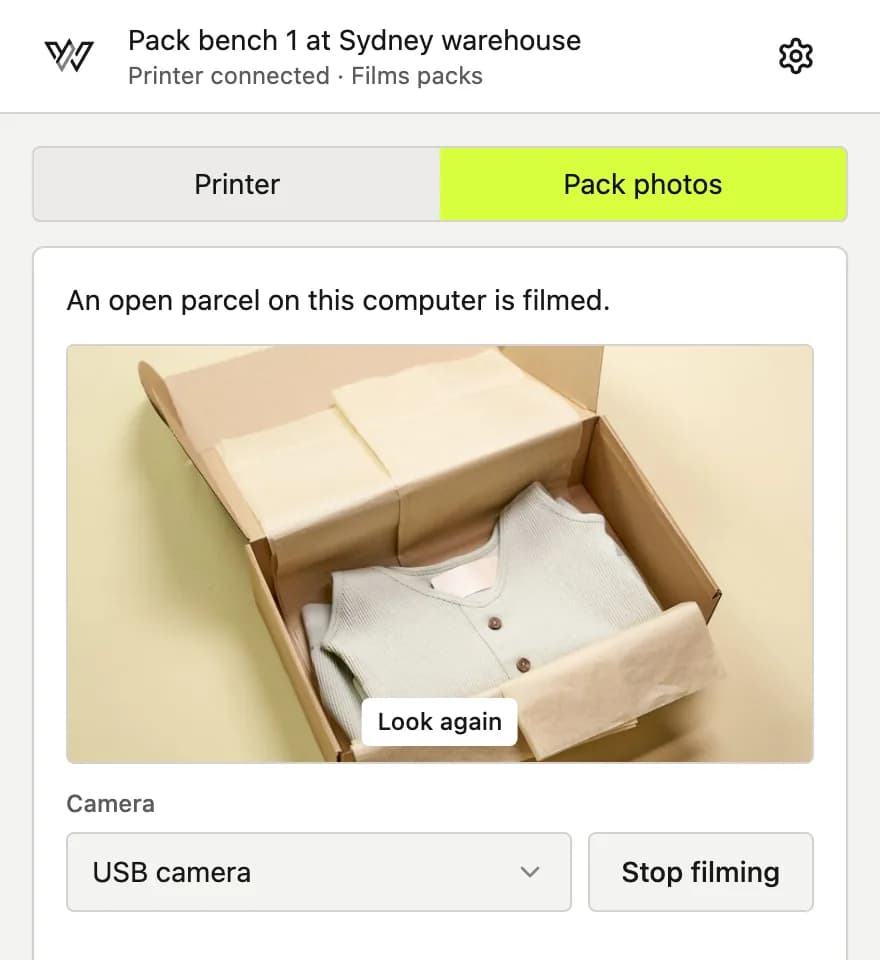
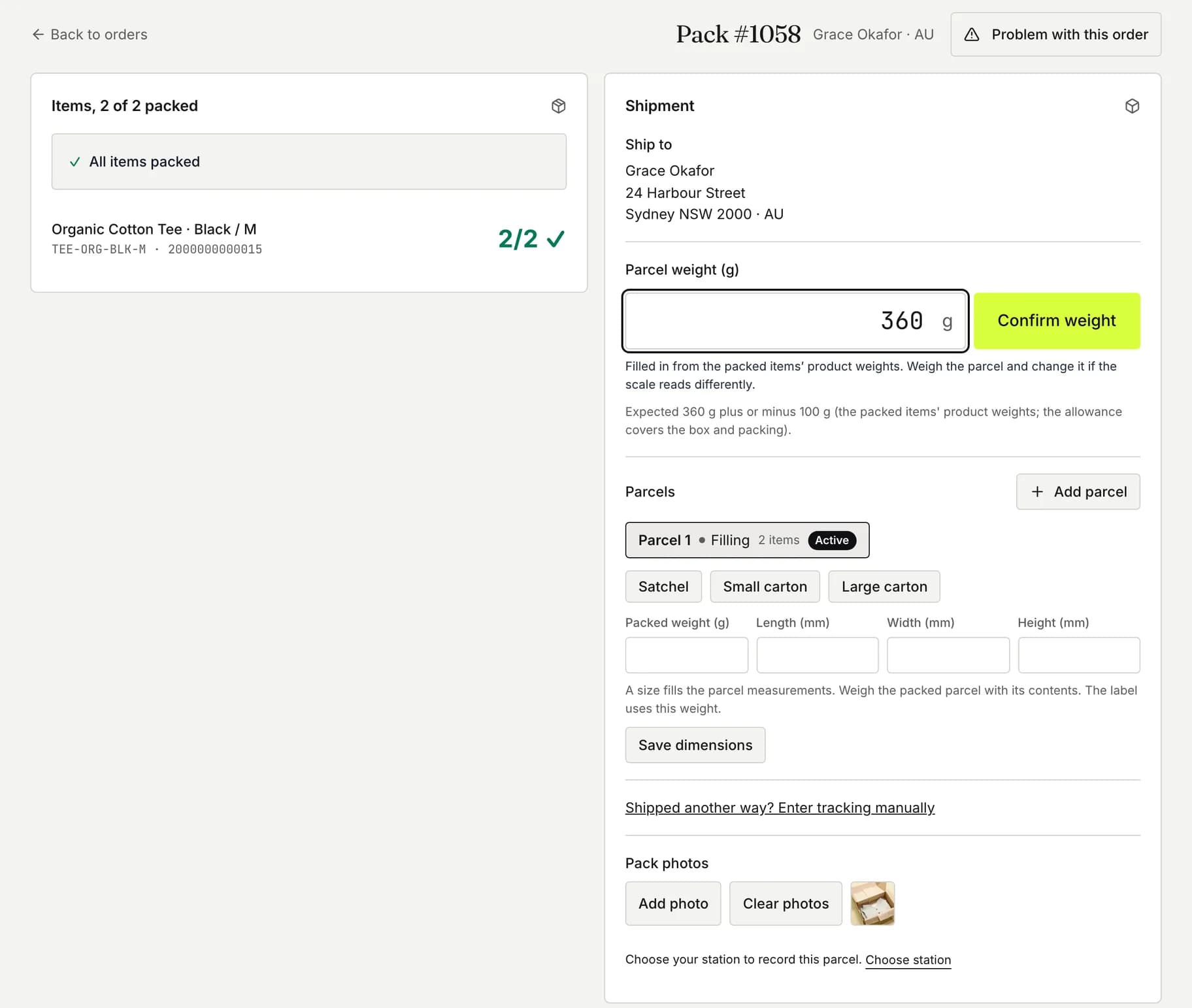
Scan to pack, print the label, and photograph each parcel.
Any item scanned from a mixed cart opens its order, the label comes from Shippit, Starshipit or ShipStation, and a bench webcam photographs the parcel as it is packed.
Every store
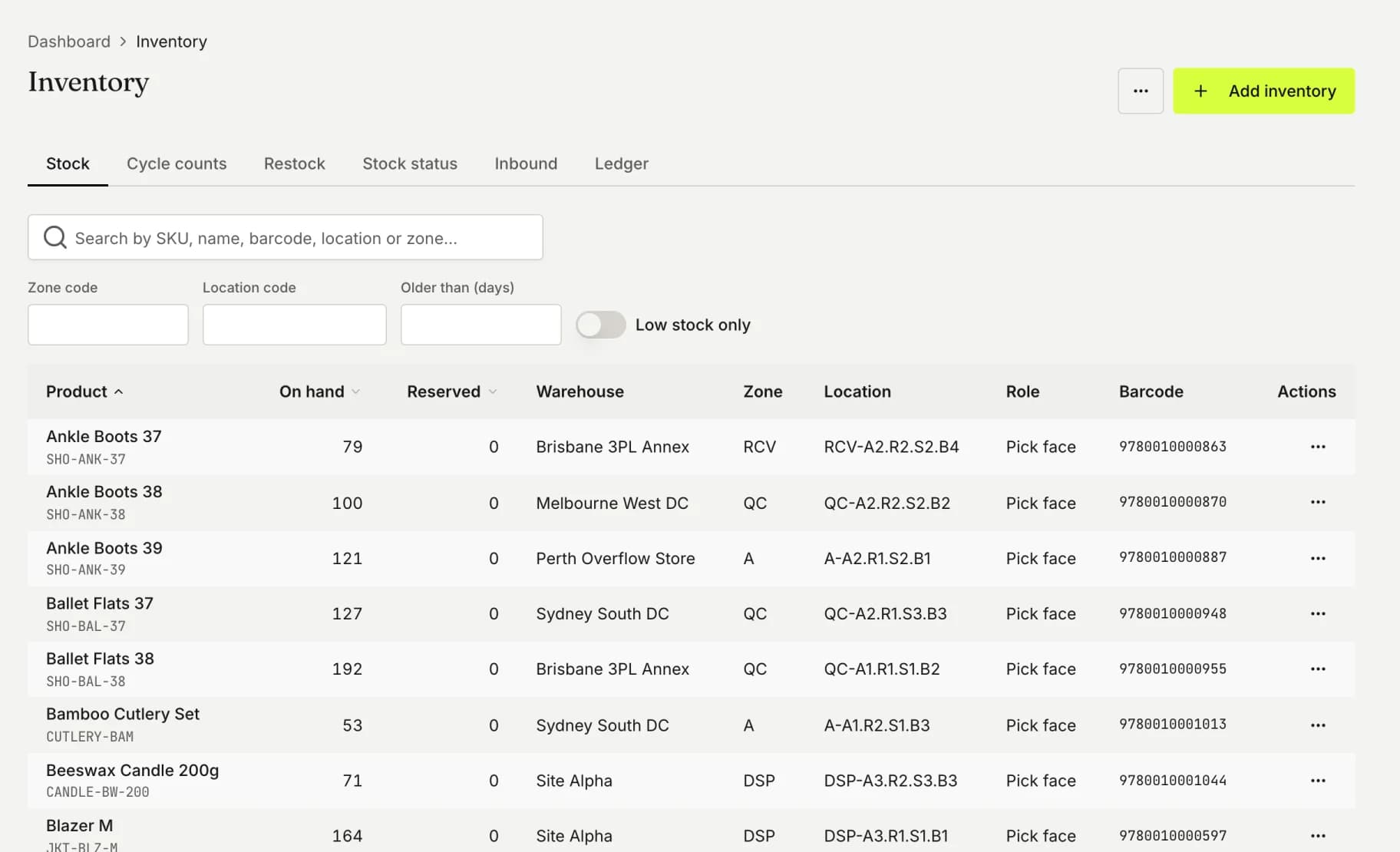
Each store gets live stock, and every store’s orders are picked together.
Each store shows what is free to sell after open orders and any buffer you set, and tracking goes back to the store that took the order.
Pricing
Every feature on every plan, priced by the orders you ship.
Going over never stops your warehouse. One busy month changes nothing. If you go over your plan two months in a row, you move up one plan at your next renewal, and we email you 14 days before it happens.
Every plan includes support from the company that builds OptiWMS, and you can cancel anytime and export your data.
See the plans and common questionsAustralian dollars a month, including GST. Unlimited products, users, stores and warehouses on every plan.
- Starter
- $59Up to 300 orders a month
- Essentials
- $135Up to 1,500 orders a month
- Growth
- $355Up to 5,000 orders a month
- Scale
- $1,299Up to 20,000 orders a month
Getting started
Four steps to your first live orders.
Once your account is ready, setup for one warehouse takes a few hours, most of it mapping locations and importing products.
We set up your account
We create your trial account and email you a sign-in link.
Connect and import
Connect your store and shipping platform, import your products and map your warehouse locations.
Run a test order
Install the OptiWMS app on your pack-bench computer, pick a test order on a phone, pack and label it, then switch on live orders.
Choose a plan
Before the 14 days end, choose the plan that matches your monthly orders.
How it stays accurate
- One picker per unit
- When two orders want the last unit on the shelf, only one picker is sent for it.
- Failed updates get another attempt
- Tracking that cannot reach your store is sent again automatically, and anything still undelivered waits on Exceptions for a one-click resend. Every hour OptiWMS also asks Shopify for any order it missed.
- Trace each stock movement
- Every receipt, pick and adjustment is logged with who made it and when, so any stock figure traces back to the movements behind it.
Why OptiWMS exists
We are a small team of ecommerce and logistics specialists who have helped warehouse teams at large online retailers through slow picks, packing errors and stock drifting between channels. OptiWMS is our answer: pick routes follow real walking distance, any item scanned at the bench opens its order, each store gets live stock from its warehouses, and every plan includes unlimited users, stores and warehouses.
Matthew Cooper, Director of Electron Code, the Australian company that makes OptiWMS. LinkedIn · About us

See it running on your own catalog.
Connect your store and run real orders through pick, pack and print for 14 days, with every feature and no card needed.